Keep physical materials useful
Change the linked offer, guide or information as your business changes. The printed code still points to the same short link.
For shops, venues and product brands
Connect a dynamic QR code to a short link, then update the destination behind it. Your menu, packaging or poster can keep sending people to something current.
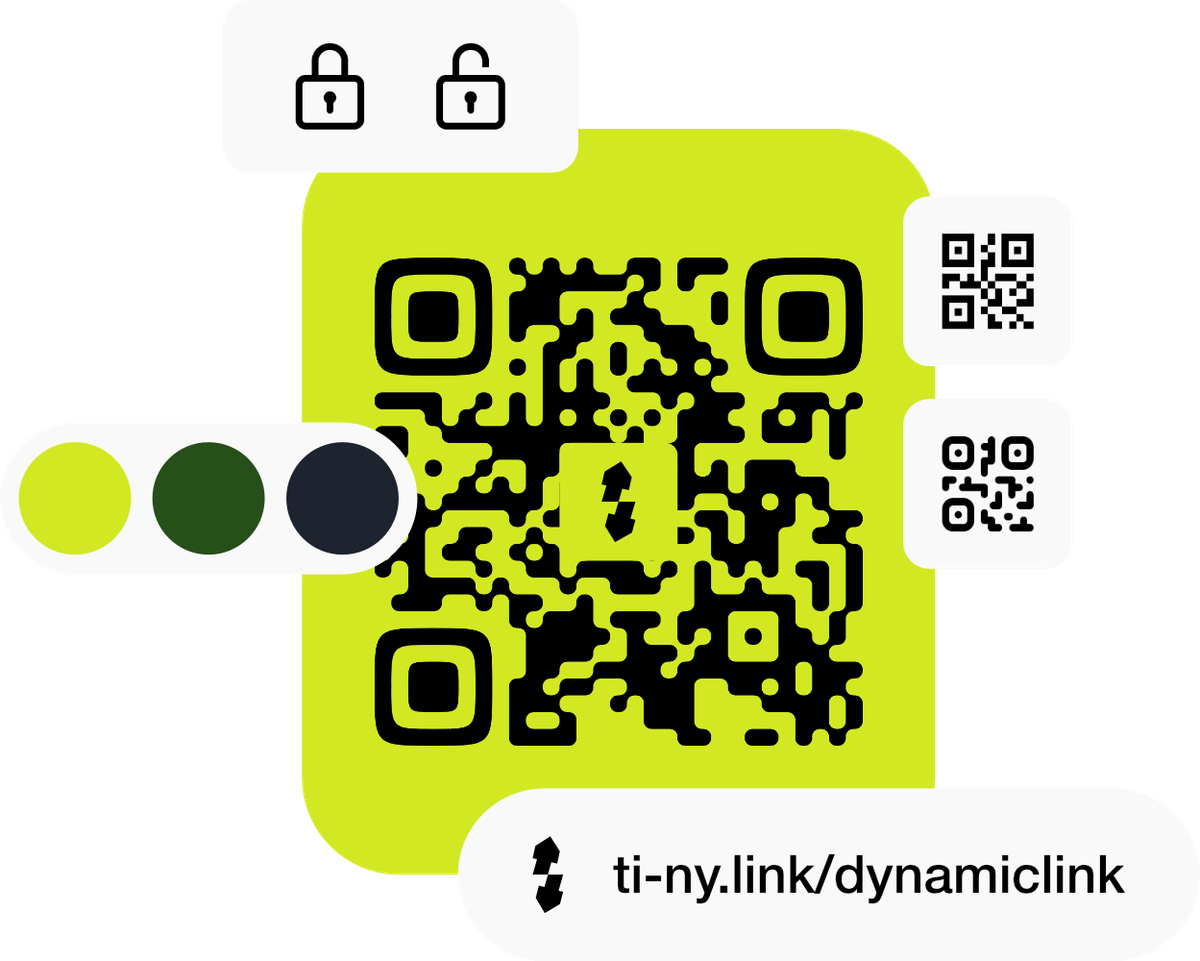
Change the linked offer, guide or information as your business changes. The printed code still points to the same short link.
Choose suitable colours, a frame or a logo. Keep the final code clear and scan-test it at its printed size.
Use separate links for a counter card, product label and poster, then compare their activity within the same period.
Illustrative setup · a neighbourhood café
A café places one QR code on its table cards. The code opens a dynamic short link. When the seasonal menu changes, the team edits that link’s destination and checks the live scan.
A dynamic QR code works through a stable link. Change the destination behind that link, then scan the printed code again.
cafe.example/menus/summer
This is where the QR currently leads.An illustrative route, with no live links or account changes. In ti-ny.link, edit and save the short link’s destination, then scan your existing code to check it.
Make it happen
Start with a useful destination. Build the route to it, then check the experience your visitors will get.
Create a short link to your menu, product guide or landing page and choose a memorable alias. Before sharing, open HTTP Status, choose 302 Temporary redirect and save with Update. Test the redirect.
Create your first linkChoose QR codes → Create QR → URL. Enable Dynamic QR code and Select from pre-existing links, then select your short link. After saving, check Embedded data to confirm the encoded address.
Read the QR guideUse the available colour, logo and frame options with legibility in mind. Export the format your printer needs; the QR download menu offers SVG, PNG, JPG and WEBP.
Explore QR-code optionsScan the actual exported artwork at the final size on the phones your visitors use. Check the destination, loading experience and visible call to action before printing a full batch.
Review the QR checklistWhen content changes, edit Destination URL and choose Update. Leave the alias unchanged. Scan the original code; if an old destination persists, test a fresh browser session because an earlier 301 redirect may be cached.
Understand link statisticsChoose what fits
These allowances count active QR codes, separately from the short links behind them. Deleting an unneeded item frees capacity. Destination edits are unlimited; bulk creation has separate limits.
A static code contains fixed data. A dynamic code points through an editable link. For campaigns that need to change after printing, set up the dynamic link before making the code.
Keep the short link active and its alias unchanged. Changing an alias or deleting the link can break printed materials. If using a custom domain, keep that domain connected too.
Find your fit
Use the same platform for the dynamic link, printed QR code and bio page your visitors reach. Compare the QR and destination-management features that matter to your rollout.
Good questions
No. The workflow here uses a dynamic QR code connected to a short link. A static QR code’s encoded content is fixed. Test your setup before printing and keep the short-link alias unchanged when you edit the destination.
It does not need to: the printed code still encodes the same short-link address. Save the destination change and test the original code. A browser that cached an earlier 301 permanent redirect may continue to use the old destination.
Create a separate short link and QR code for each placement you want to compare. Review their statistics over the same period. Using the same code everywhere does not identify the individual physical placement by itself.
Link activity shows people reaching your destination. It does not establish completed purchases or other outcomes. Use appropriate tracking on the destination service to measure those actions.
Reviewed 4 October 2026. Features and plan limits can change; check the linked product guides and current account details.
Create dynamic links, bio pages and QR codes in one place.