01 /
Make a home for your work
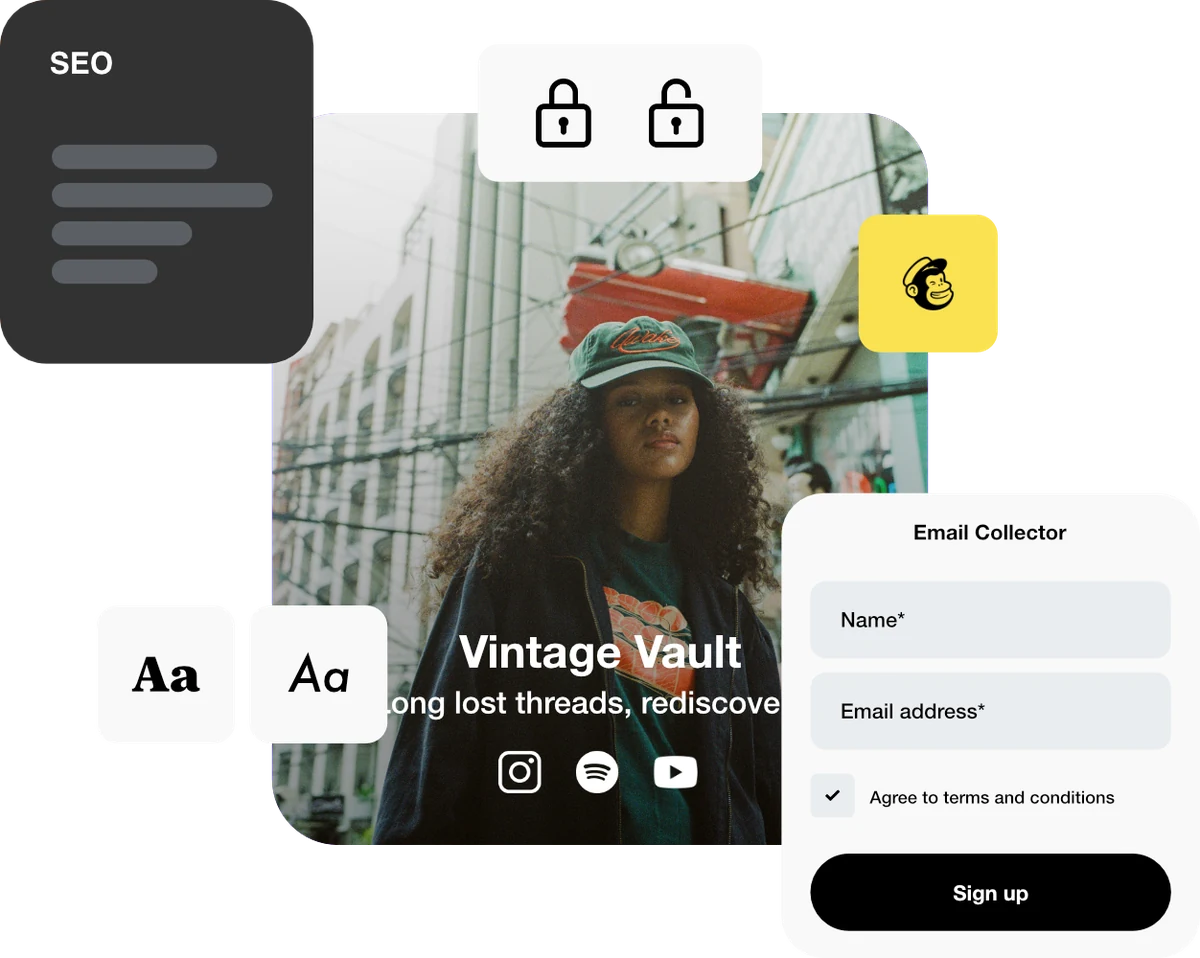
Add your releases, projects and social profiles to a customizable bio page. Edit its links when your priorities change.
Explore bio pagesFor creators & independent makers
Your latest release, your shop, your next big idea. Bring it all together with bio pages, dynamic links and QR codes. Create real connections with the people who follow you.
Create. Share. Connect.
Start with what you’re sharing.
Choose the tools that make it easier to reach.
Add your releases, projects and social profiles to a customizable bio page. Edit its links when your priorities change.
Explore bio pagesUse a memorable alias for a launch, a portfolio or a shop. Update the destination as the story moves forward.
Explore dynamic linksConnect a dynamic QR code to your short link for a print, a market stall or a gig poster. Test it before it goes out.
Explore qr codesUse different short links for different placements, then review visits and available referrers to see where interest starts.
Explore analyticsKeep your links working for you
Share your launch link while you’re making the work. When it’s ready, change the destination from the preview to the finished thing. Keep your alias unchanged so the link you already shared still works.
Explore dynamic linksGet started in three steps
Create a bio page with a short introduction and your most useful links.
Add your latest work, check the public page, then share its address in your social bio.
Update your page as you create, and review the activity on your shared links.
Try the Free account with your first project. Compare paid plans when you need more bio pages, more links or longer statistics history. Custom domains are available on eligible plans.
A plan you can use
Give your newsletter, social profile and printed poster their own short link, all leading to one release page.
Create one bio page with a heading, a release link and a shop link: 1 page with 3 blocks. Replace the sample destination with its public URL.
| Placement | Sample alias | Destination | Campaign tagging | QR? |
|---|---|---|---|---|
| Newsletter | release-email | https://example.org/release |
| No |
| Instagram profile | release-social | https://example.org/release |
| No |
| Gig or market poster | release-poster | https://example.org/release |
| Dynamic |
Sample aliases are not reserved. Replace the example.org destinations and choose available aliases. The CSV is a planning worksheet; it does not create resources in your account. Counts assume each QR code uses one of the existing short links above. Check your plan allowances.
Compare newsletter, social and poster link activity over the same release period. Check purchases or plays in the service that completes them.
Compare recorded visits, not guaranteed people or conversions. QR activity can include other visits to the same short link. UTM values reach the destination; onward links may need their own tagging.
Understand the statisticsAlready sharing links elsewhere? Plan your move to ti-ny.link before replacing live links or printed codes.
No. A ti-ny.link bio page is hosted for you. Add a heading and useful links, check the public page, then share its address.
Yes. You can edit a short link’s destination while keeping its alias unchanged. You can also update the links on your bio page as your work changes.
You can link to the shop, ticketing service or newsletter signup you already use. Those services handle the purchase or subscription; ti-ny.link gives people a way to reach them.
Create separate short links for placements such as your video description and newsletter. Review each link’s statistics over the same period. Referrer information may be limited by browsers, apps and privacy settings.
Link Everything. Launch Anything.