From your idea to their next step
Link and QR solutions.
For your next move.
Build multiple bio pages, editable QR campaigns and app-aware links. Connect tracking pixels, plan a creator launch and measure results with built-in analytics. Find a workflow that fits your next campaign.
What you can do
Give attention
a next step.
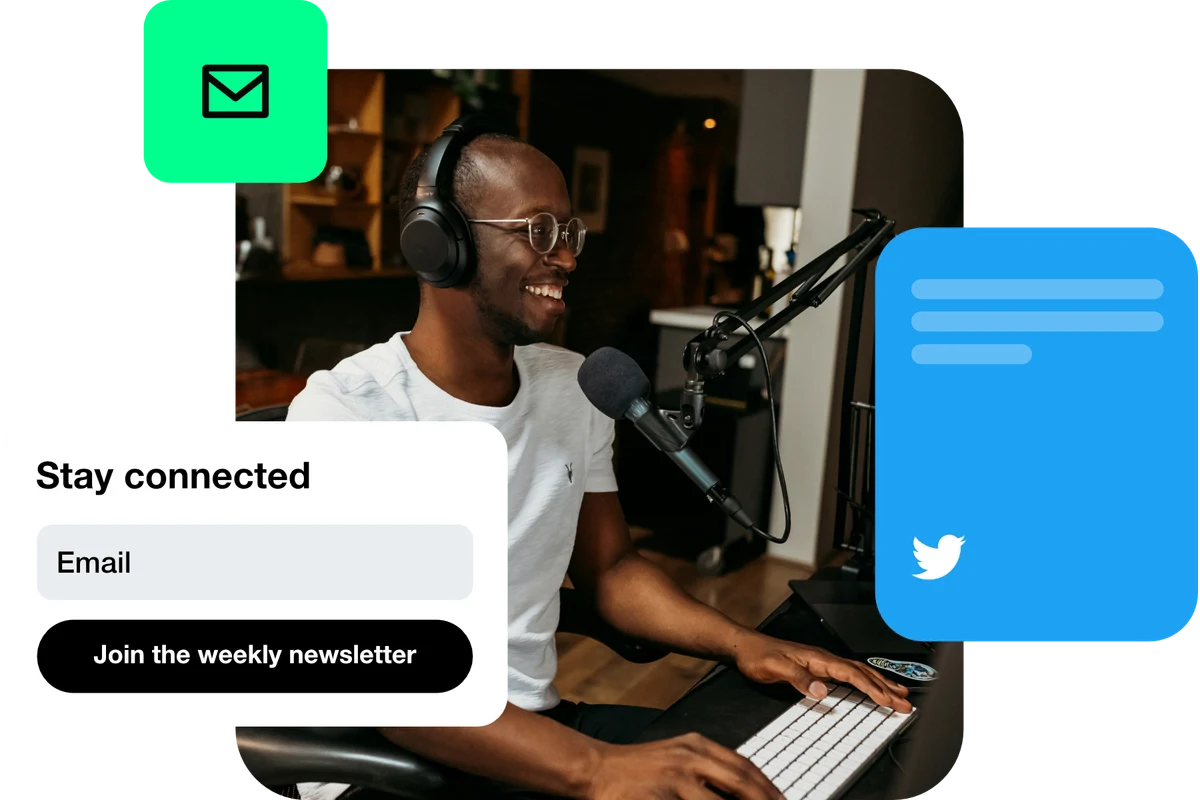
Grow your audience
Give people who discover one post a reason to stay connected. Bring your social channels, newsletter and latest work together, then make the next follow or signup easy to find.
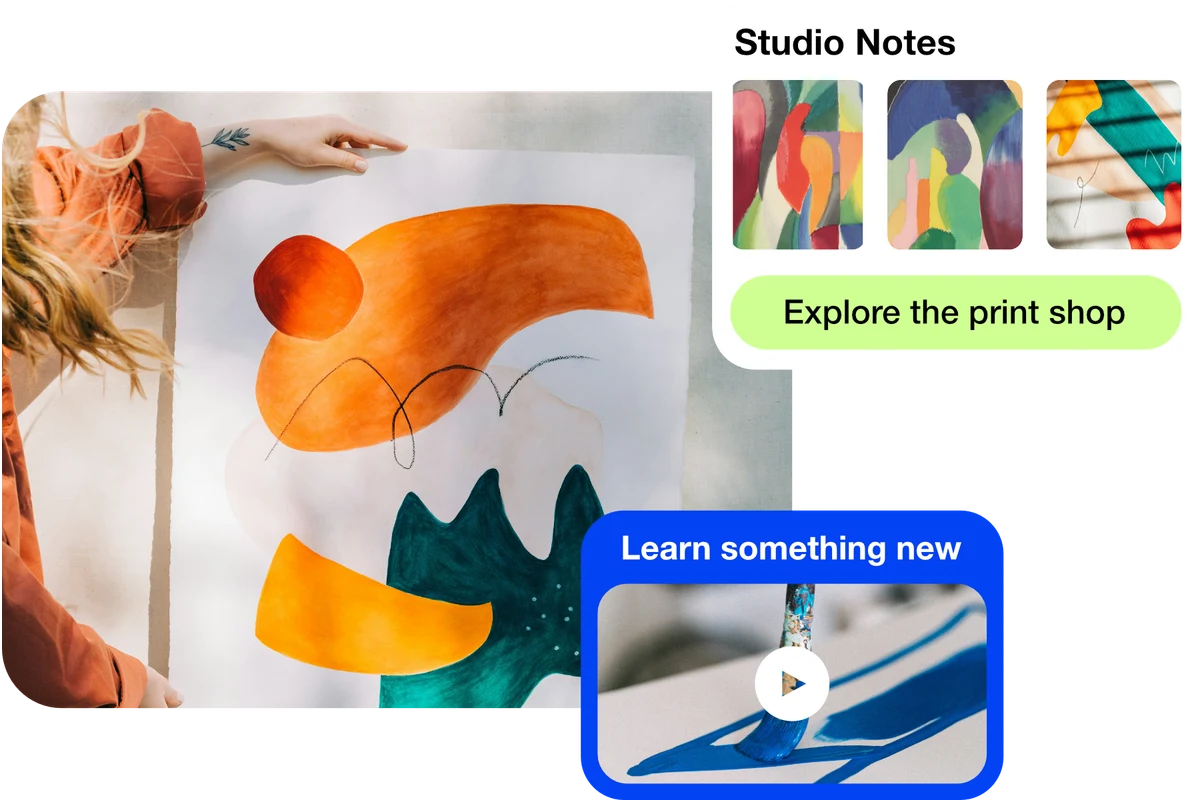
Earn from your content
Connect the work you share to the offers that support it. Introduce your products, courses, services and recommendations, then send people to the right place to buy or book.
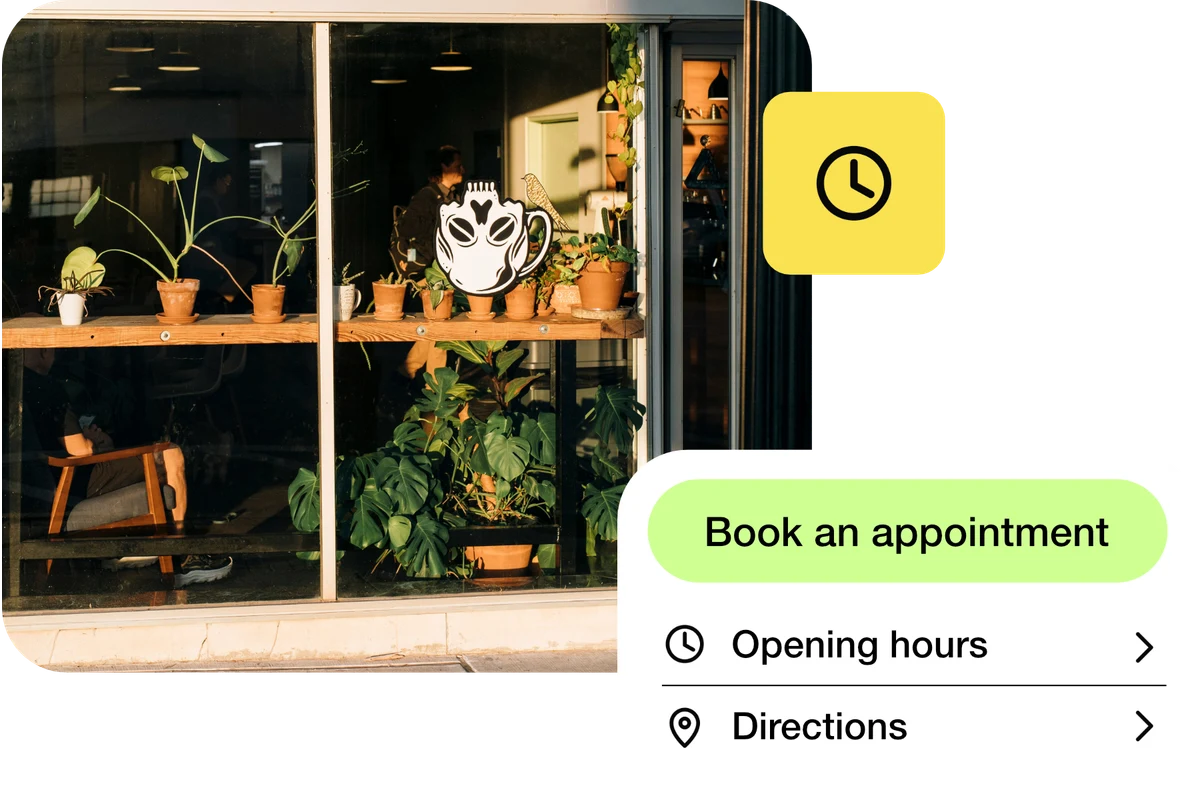
Turn visitors into customers
Make the next step obvious when someone is ready to act. Connect your bio page, campaign links and QR codes to a relevant product, enquiry form or booking page.
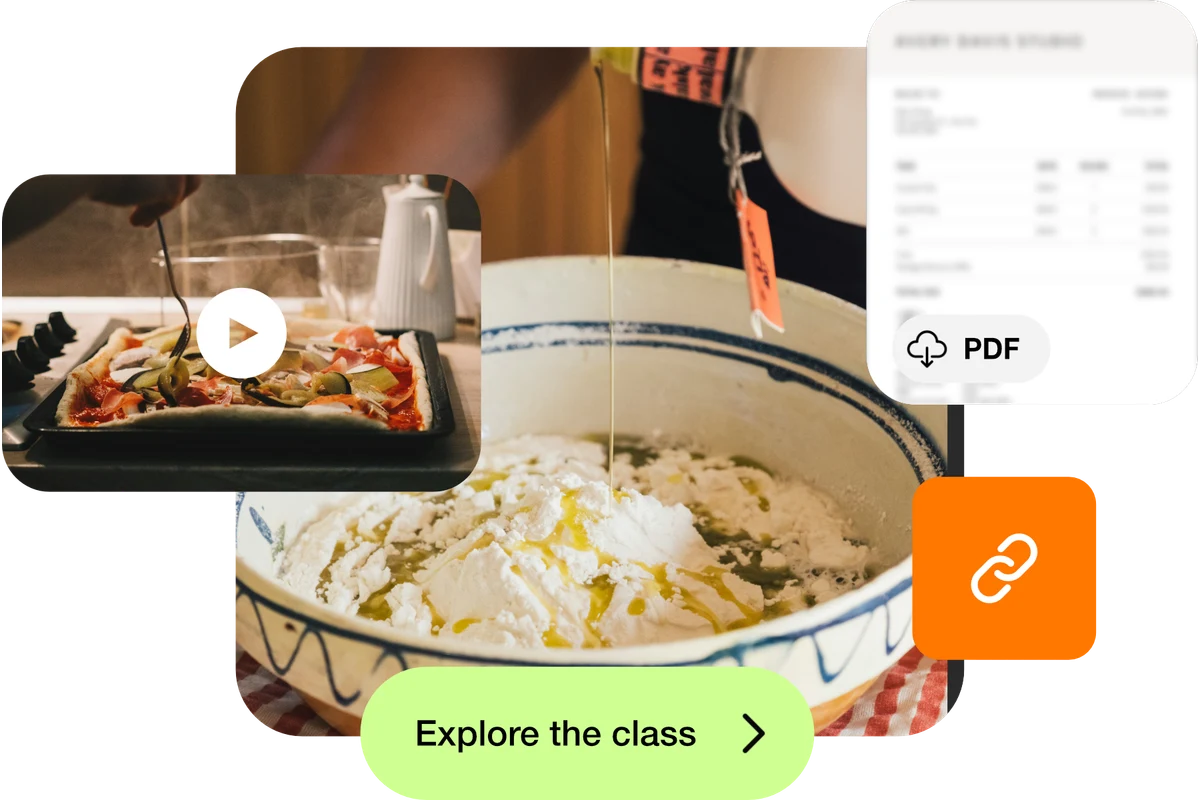
Share your content
Give everything you publish a useful home. Combine your latest videos, music, articles and social profiles on one page, and share its address wherever people discover you.
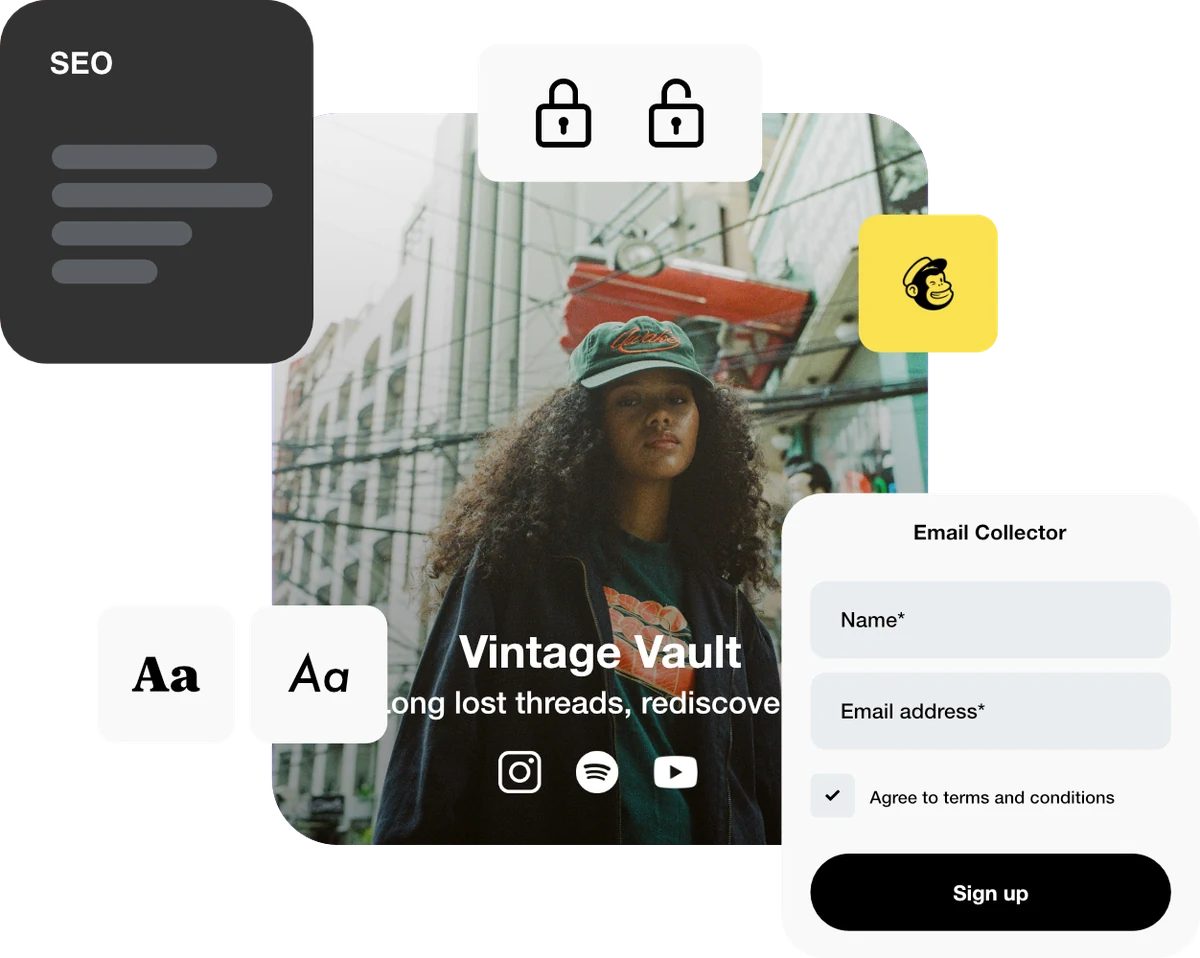
Multiple bio pages
Give your different brands, projects and audiences a page of their own, with several bio pages in one plan.
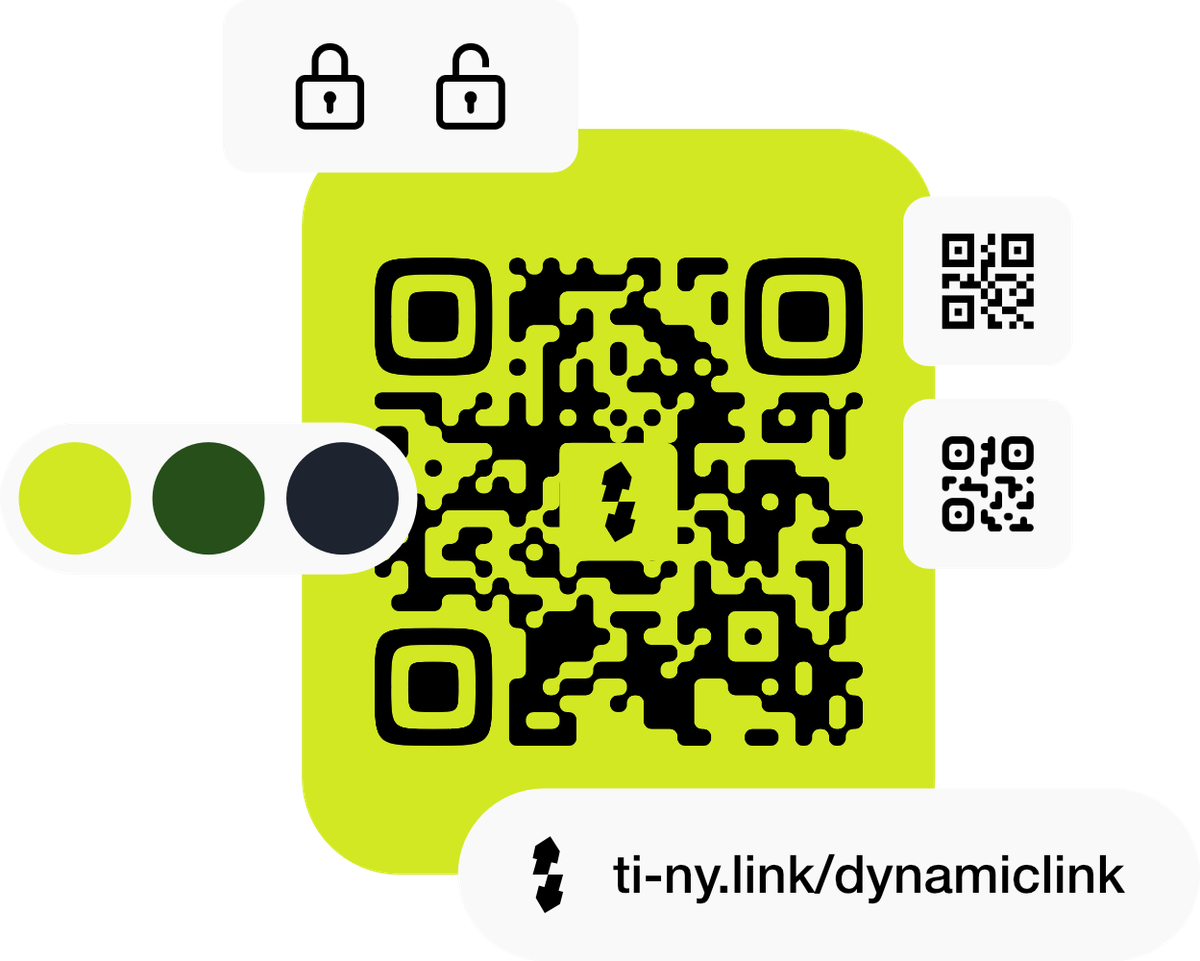
Editable QR campaigns
Keep menus, packaging and posters useful by updating the destination behind a dynamic QR code.
Creator launches
Connect your bio, email, social posts and printed materials around one release, then see how people reach it.
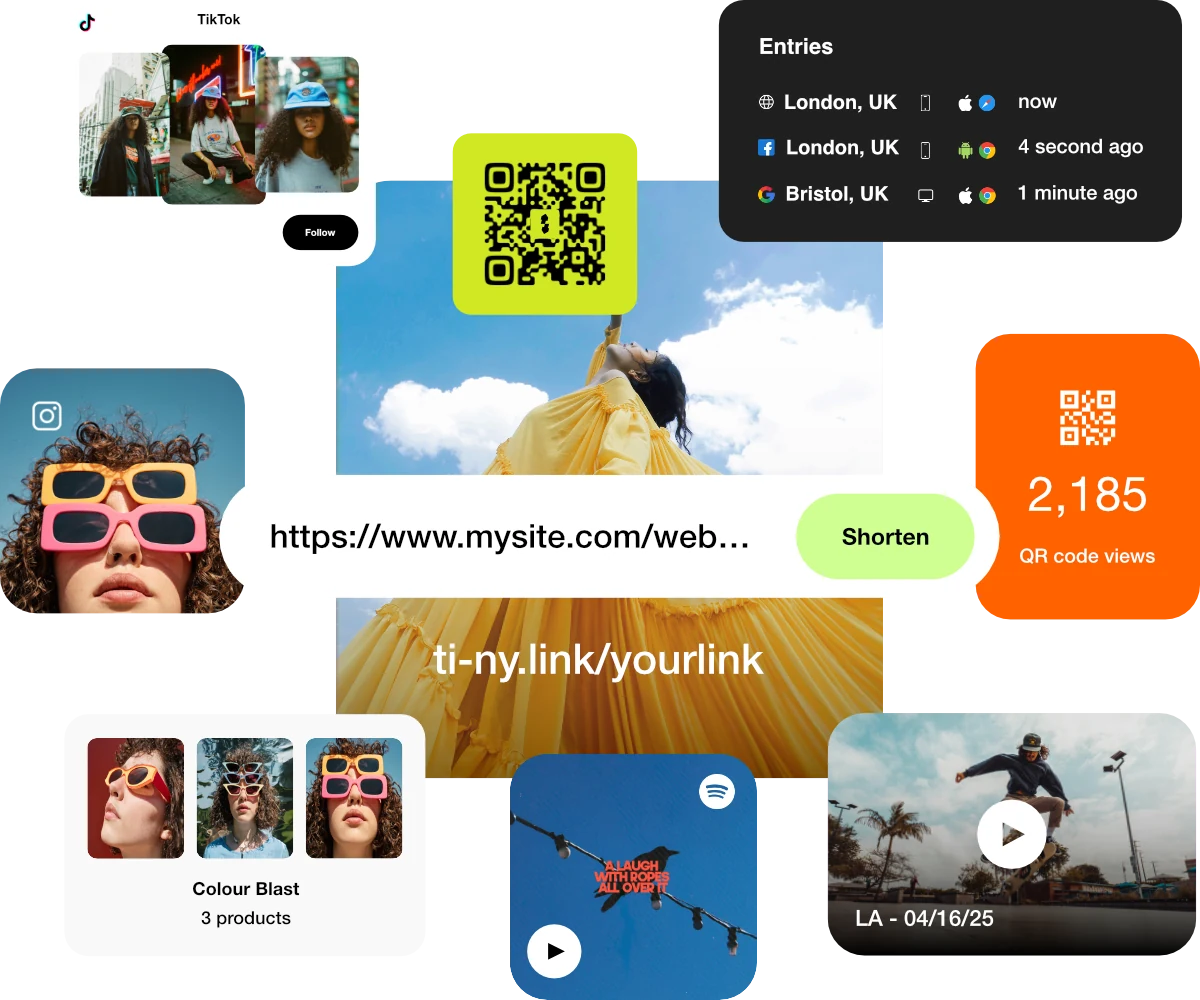
Campaign analytics
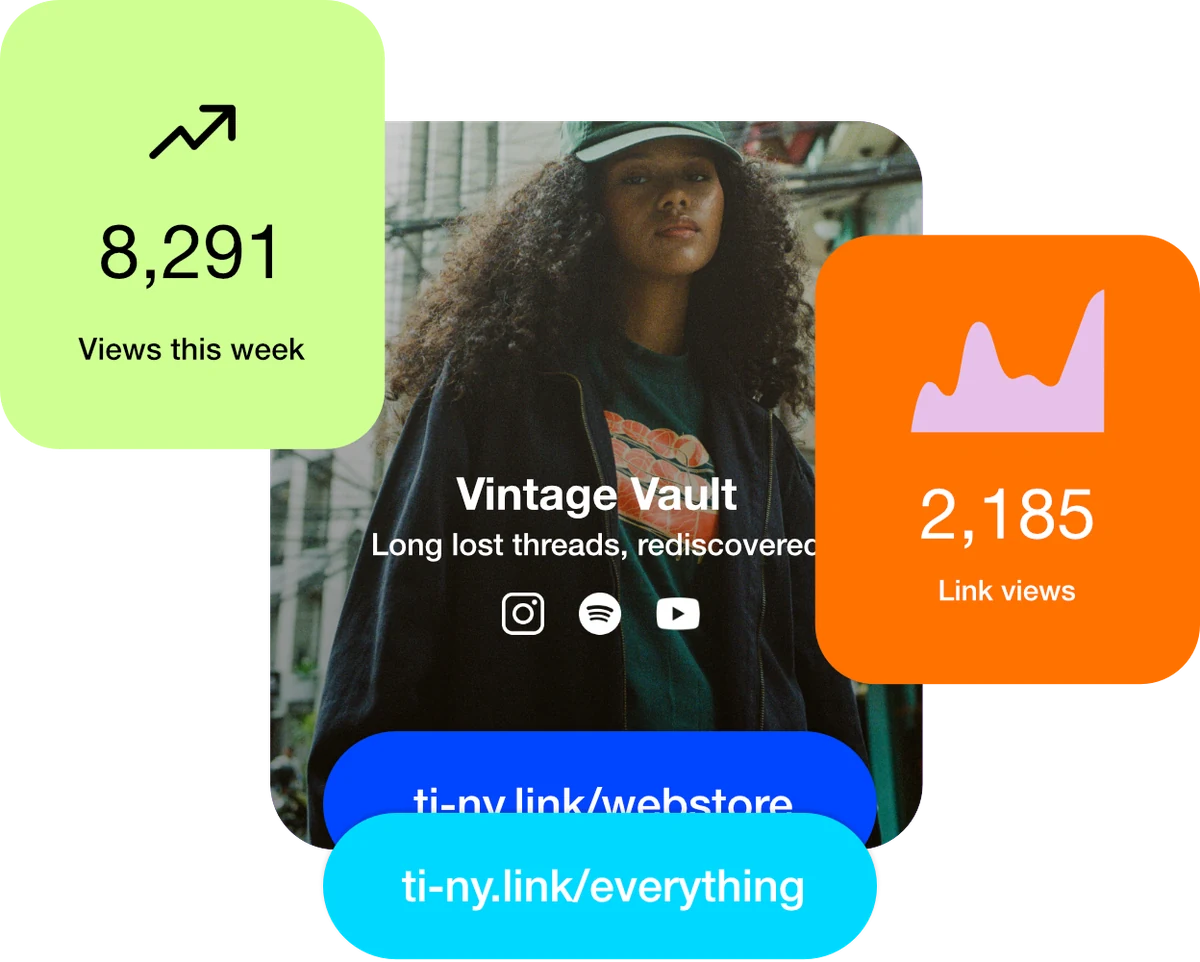
Understand how people reach your content. Compare visits, referrers and devices with built-in analytics for your links, bio pages and QR campaigns.
App-aware links
Send people straight
to the app.
A video to watch. A place to find. A conversation to start. Give supported mobile destinations a short link that can open the installed app.
Enable Auto open app on mobile in your link settings, then test the journey on the devices your audience uses.
- YouTubeYour next video
- SpotifyYour latest release
- WhatsAppYour next conversation
- Google MapsYour next visit
Tracking pixels & integrations
Connect your links to your marketing tools.
Use native ti-ny.link analytics to understand link activity. Add supported pixels and tags when you also need your advertising or analytics provider’s measurement tools.
- Google Analytics
- Google Tag Manager
- TikTok
Try it with your next campaign
One launch. A clearer journey.
- 01Give each placement its own link.
Separate the newsletter, social profile and poster. Keep campaign UTM values consistent.
- 02Assign the relevant pixel.
Connect your supported provider to the link or bio page, then check received events in its testing tools.
- 03Measure the outcome where it happens.
A purchase or booking on another website needs event setup on that destination. Compare matching dates and event definitions.
Pixel allowances depend on your plan. Browser restrictions and visitor consent can affect event delivery.
Choose by what you need to do
Useful on their own.
Connected when you need more.
Start with a bio page, a dynamic link or a QR code. Combine them as your project grows, with practical guides and clear plan allowances to help you choose.
Explore by audienceNeed the product details? Read the product documentation
Get started free.
Create dynamic links, bio pages and QR codes in one place.