Match the promise to the destination
Send a product post to that product, and a service offer to the right enquiry or booking page. Use a bio page when visitors need to choose between several useful options.
Turn visitors into customers
Make the next step obvious when someone is ready to act. Connect your bio page, campaign links and QR codes to a relevant product, enquiry form or booking page.
Start with a Free account. Compare plan allowances and provider requirements for your workflow.
Make it useful
Send a product post to that product, and a service offer to the right enquiry or booking page. Use a bio page when visitors need to choose between several useful options.
Explain the offer, who it suits and what happens next. Add useful opening hours, contact details or delivery information rather than making people search.
Use link statistics for recorded interest and UTM parameters for campaign context. Confirm purchases, bookings and enquiries in the receiving service.
A setup to try
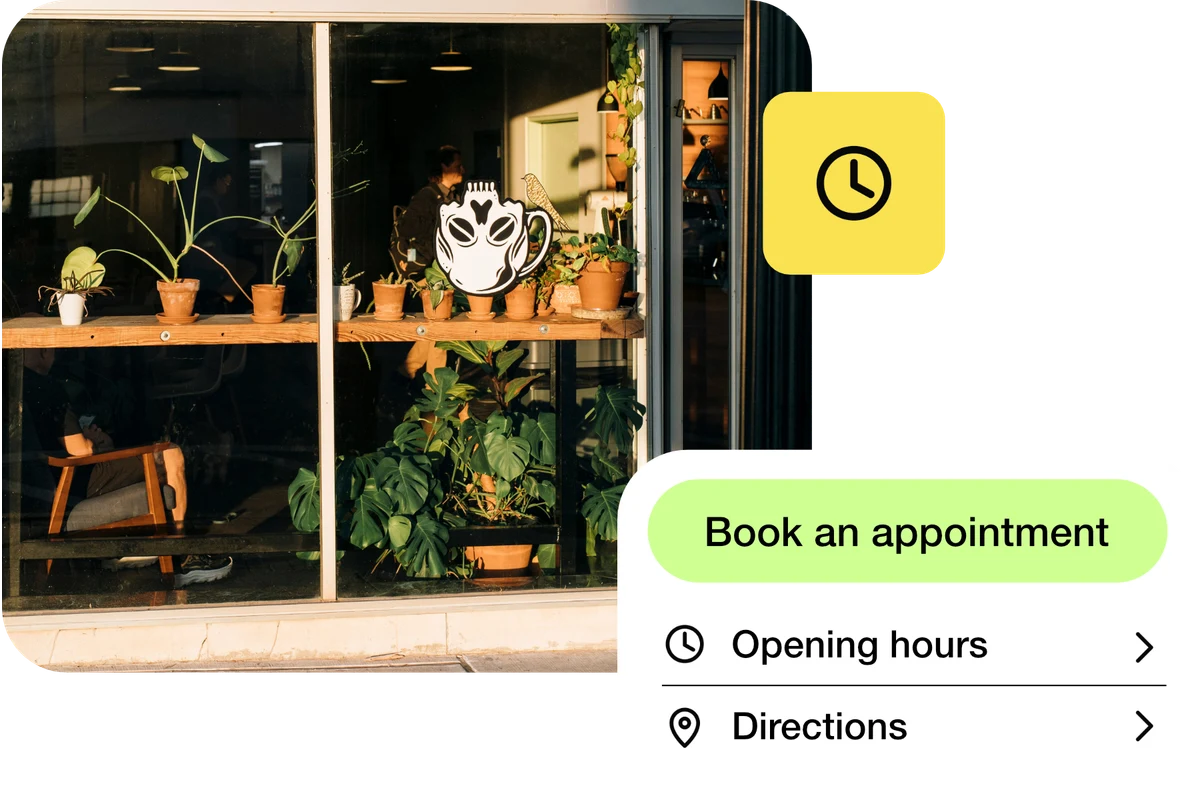
Example: a local business shares a bio page with “Book an appointment”, opening hours and directions. Its booking provider confirms the appointment; separate campaign links help compare traffic sources.
From a little interest to a real connection.
Try the steps
Illustrative example.
A recorded visit shows interest, not a completed sale or enquiry. Use your shop, form or booking reports to measure those outcomes; tracking can also be limited by browser and privacy settings.
A Free plan is available. Check the current page, link, QR and block allowances on the pricing page, together with any external provider’s requirements, before building your setup.
Compare plans and limitsCreate dynamic links, bio pages and QR codes in one place.