Ask for a useful next step
Explain whether people are asking a question, requesting a quote or joining a newsletter. Collect only the details needed for that purpose and explain how you will use them.
Forms & lead capture
Give interested visitors a clear way to stay in touch. Use a contact or collector block, an available form embed, or a direct link to the signup service you already use.
Start with a Free account. Compare plan allowances and provider requirements for your workflow.
Make it useful
Explain whether people are asking a question, requesting a quote or joining a newsletter. Collect only the details needed for that purpose and explain how you will use them.
Test the selected block or form on the public page. Confirm where the submission arrives and how your team will reply. Connect your email service only through its supported setup.
A setup to try
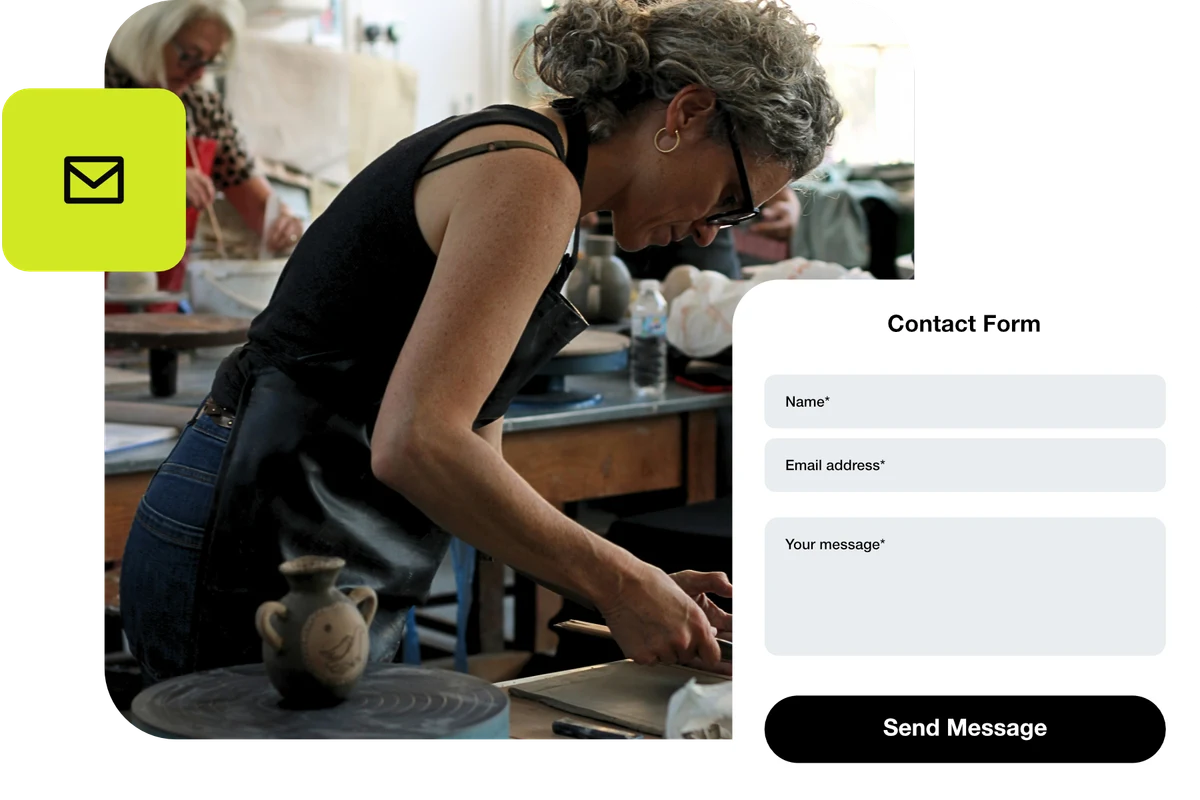
Example: a ceramic artist adds a contact form for questions about their work. Visitors enter their name, email address and message, then choose “Send Message”. A test submission checks delivery before the page is shared.
From a little interest to a real connection.
Try the steps
Illustrative example.
Collector and form blocks do not imply a built-in CRM or every provider integration. Check the chosen block’s receiving options and your external service’s supported integrations.
A Free plan is available. Check the current page, link, QR and block allowances on the pricing page, together with any external provider’s requirements, before building your setup.
Compare plans and limitsCreate dynamic links, bio pages and QR codes in one place.