
01 /
Make the next step simple
Turn a long booking, menu or shop address into a short link that is easier to share in a message or on a printed card.
Explore dynamic linksFor businesses, shops & local favourites
Make your menu, booking page, latest offer or online shop easier to find. Connect the places people meet you to the next useful step.
Create. Share. Connect.
Start with what you’re sharing.
Choose the tools that make it easier to reach.
Turn a long booking, menu or shop address into a short link that is easier to share in a message or on a printed card.
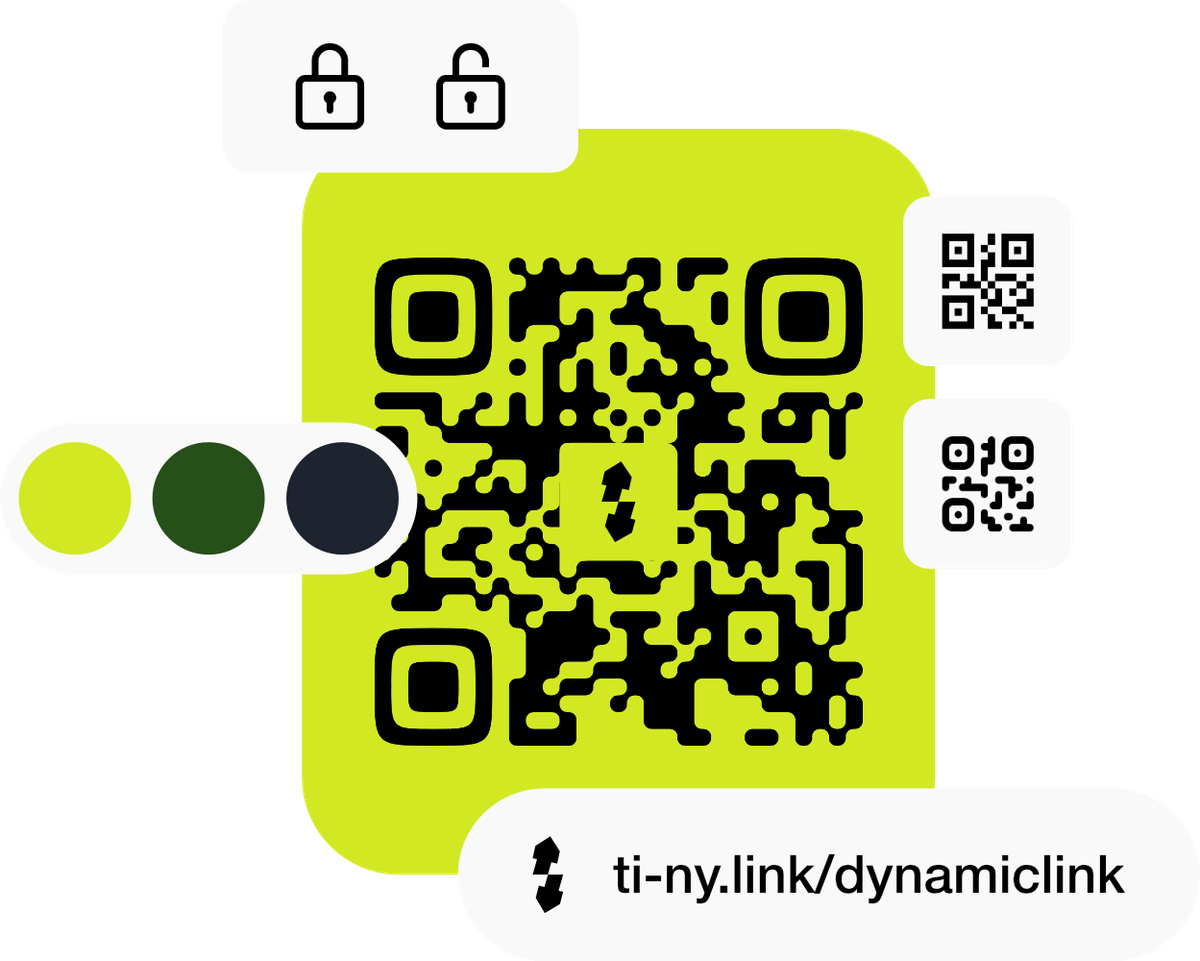
Explore dynamic linksCreate a dynamic QR code connected to your short link. Update its destination when the offer changes without replacing the printed code.
Explore qr codesMake a bio page with your menu, opening information and useful links. Give people one starting point for your business.
Explore bio pagesUse distinct short links for your counter, packaging and social profile. Review their activity to understand those points of contact.
Explore analyticsKeep your links working for you
Connect the QR code on your printed materials to a short link. When your menu, collection or offer changes, update the destination behind it. Keep the link alias unchanged and check a scan after updating.
Explore dynamic linksGet started in three steps
Start with your existing menu, booking page, shop or contact information.
Create a short link and connect a dynamic QR code for your printed materials.
Scan the final artwork at its printed size, then keep its destination up to date.
Start with a Free account and a real destination. Compare paid plans as you add more locations, links or QR codes. Check the relevant allowances and custom-domain availability before rolling out.
A plan you can use
Make the same menu easy to reach from a counter card, takeaway packaging and your social profile.
Use an existing, mobile-friendly menu page. This example does not require a bio page or a file-link upload. Replace the sample URL with your menu address.
| Placement | Sample alias | Destination | Campaign tagging | QR? |
|---|---|---|---|---|
| Counter card | menu-counter | https://example.org/menu |
| Dynamic |
| Takeaway packaging | menu-packaging | https://example.org/menu |
| Dynamic |
| Instagram profile | menu-social | https://example.org/menu |
| No |
Sample aliases are not reserved. Replace the example.org destinations and choose available aliases. The CSV is a planning worksheet; it does not create resources in your account. Counts assume each QR code uses one of the existing short links above. Check your plan allowances.
Compare the counter, packaging and social links over the same dates. Review completed orders in your ordering service; a recorded link visit is not an order.
Compare recorded visits, not guaranteed people or conversions. QR activity can include other visits to the same short link. UTM values reach the destination; onward links may need their own tagging.
Understand the statisticsAlready sharing links elsewhere? Plan your move to ti-ny.link before replacing live links or printed codes.
Yes. Create a short link to its public page. Your existing service continues to handle the booking, payment or order.
Use a dynamic QR code connected to a short link. Edit that link’s destination and keep its alias unchanged. Test the printed QR code after updating to confirm it reaches the right menu.
Download the right format for your printer, keep sufficient contrast and space around the code, and scan the final artwork at its actual print size using the devices customers are likely to use.
No. Short links can point to pages you already have. A bio page is also available if you want a simple hosted starting point with several useful links.
Link Everything. Launch Anything.