
Give the booking a clear introduction
Explain the service, duration and location on your page. Link to the public booking page from your provider, or use the available Calendly embed where appropriate.
Bookings & appointments
Help people book the session, appointment or call they came for. Put your booking link where they can find it, alongside the details they need before choosing a time.
Start with a Free account. Compare plan allowances and provider requirements for your workflow.
Make it useful
Explain the service, duration and location on your page. Link to the public booking page from your provider, or use the available Calendly embed where appropriate.
Your booking service manages availability, time zones, payments and confirmations. Test the visitor journey from your bio page through to the confirmation message.
A setup to try
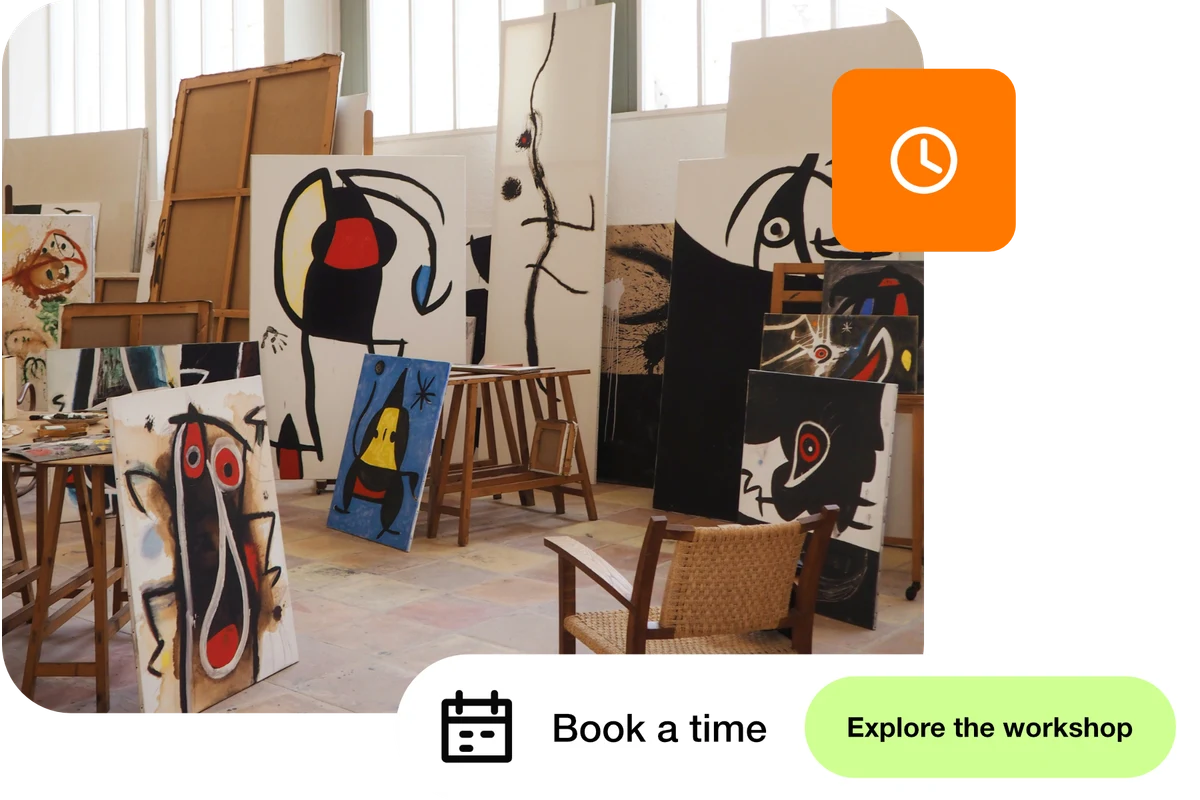
Example: an art studio introduces its workshops and offers “Book a time” alongside “Explore the workshop”. The booking provider shows available sessions and sends the confirmation.
From a little interest to a real connection.
Try the steps
Illustrative example.
This workflow uses your chosen booking provider. Its account requirements, fees, cancellation settings and availability still apply; check them before accepting bookings.
A Free plan is available. Check the current page, link, QR and block allowances on the pricing page, together with any external provider’s requirements, before building your setup.
Compare plans and limitsCreate dynamic links, bio pages and QR codes in one place.