One clear home for the release
Gather your main release link, supporting content and next event on a bio page that you can keep updating.
For creators with something new to share
Give your release a home with a bio page, use short links for each channel, and bring your posters or packaging into the same journey with QR codes.
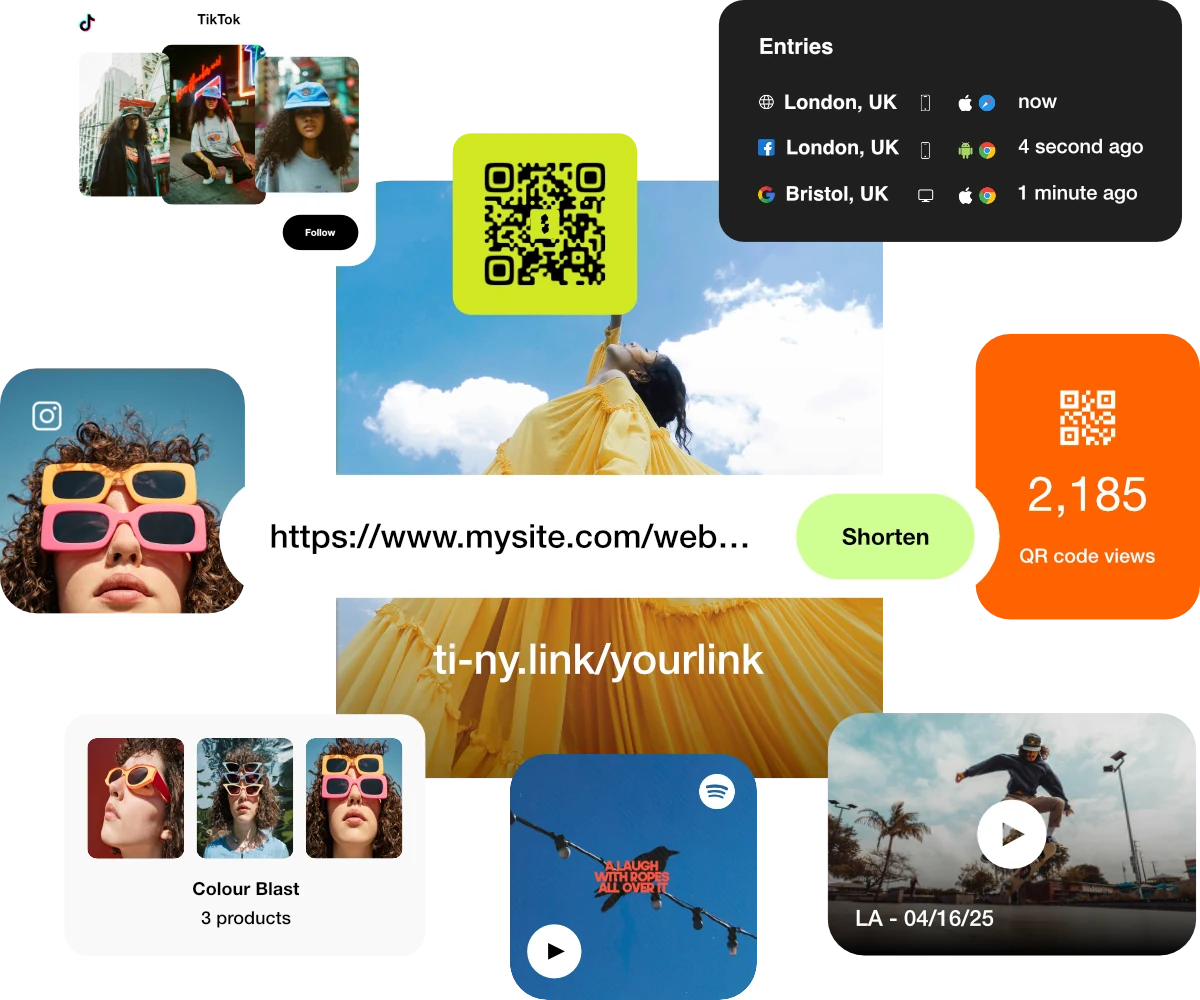
Gather your main release link, supporting content and next event on a bio page that you can keep updating.
Give email, social posts and printed material distinct short links. Keep the naming simple so the results are easy to compare.
After launch day, update your bio page and link destinations for the next release, replay or collection.
Illustrative setup · a new podcast season
The creator’s bio page brings together the trailer, latest episode and live recording details. Separate campaign links point people to it from the newsletter, social profile and event poster.
One useful destination can have several measurable ways in. Keep the links distinct when you want to compare placements.
Lead with the episode, then add the trailer and event information.
Use one for the newsletter and another for the social profile.
Give the poster its own dynamic link to the same launch page.
Illustrative examples. These addresses are not live campaign links.
Make it happen
Start with a useful destination. Build the route to it, then check the experience your visitors will get.
Create a bio page with a heading and your priority release link. Add supporting media and links that help people decide what to do next. Link to your existing store, ticketing or listening service where appropriate.
Explore bio-page blocksCreate separate short links for the newsletter, social profile and other placements. Point them to your launch page, then customise each alias in its settings so you can identify it later.
Create and customise linksWhere useful, open UTM Parameters in the short link’s settings and enter consistent Source, Medium and Campaign values. Check the redirected URL after saving. For downstream outcomes, configure measurement on the destination service you control.
Understand campaign analyticsCreate a dynamic QR code for the poster or packaging using its own short link. Export it and scan-test the final artwork before printing. Keep that alias stable after distribution.
Build an editable QR campaignOpen each link’s statistics and compare the same date range. Allow time for visits to appear. Update the bio page after launch day, then check every public button and redirect again.
Read the analytics guideChoose what fits
Core includes the active-resource allowances below. Plus and Pro offer more capacity and longer statistics history. Free includes 1 active bio page, 25 active short links and 5 active QR codes, with unlimited destination edits.
Visits and available referrers help you understand traffic. Use the listening, booking or store platform’s reporting for completed plays, registrations or purchases.
A separate link per placement makes comparison easier. Missing referrers are normal because apps, browsers and privacy settings can limit the source data.
Find your fit
Choose a workflow that supports your release across profiles, direct links and print. If you also need native selling tools or social automation, compare those separately with the services you already use.
Good questions
You can share one link everywhere, but distinct links make individual placements easier to compare. For example, use separate newsletter, social-profile and poster links that all point to the same bio page.
This workflow uses ti-ny.link for your bio page, campaign links, QR codes and link activity. Publish your posts and send your newsletter through the tools you already use, adding the relevant campaign link to each.
Link statistics show traffic reaching your destination. Completed purchases, registrations and other outcomes need measurement in the destination service. UTM parameters can provide campaign context where that service supports them.
Keep them active and update their destinations or the content of your bio page when priorities change. Leave any printed short-link aliases unchanged and check the public experience after every edit.
Reviewed 4 October 2026. Features and plan limits can change; check the linked product guides and current account details.
Create dynamic links, bio pages and QR codes in one place.