
Keep listings easy to explore
Add a short description and a link to each property’s full listing or tour. Remove unavailable listings from your page and keep detailed information in your existing property system.
Real estate agents
Bring active listings, property tours and contact options into one shareable page. Give people a clear way to request a viewing from your social profiles, business cards and printed signs.
Start with a Free account. Compare plan allowances and provider requirements for your workflow.
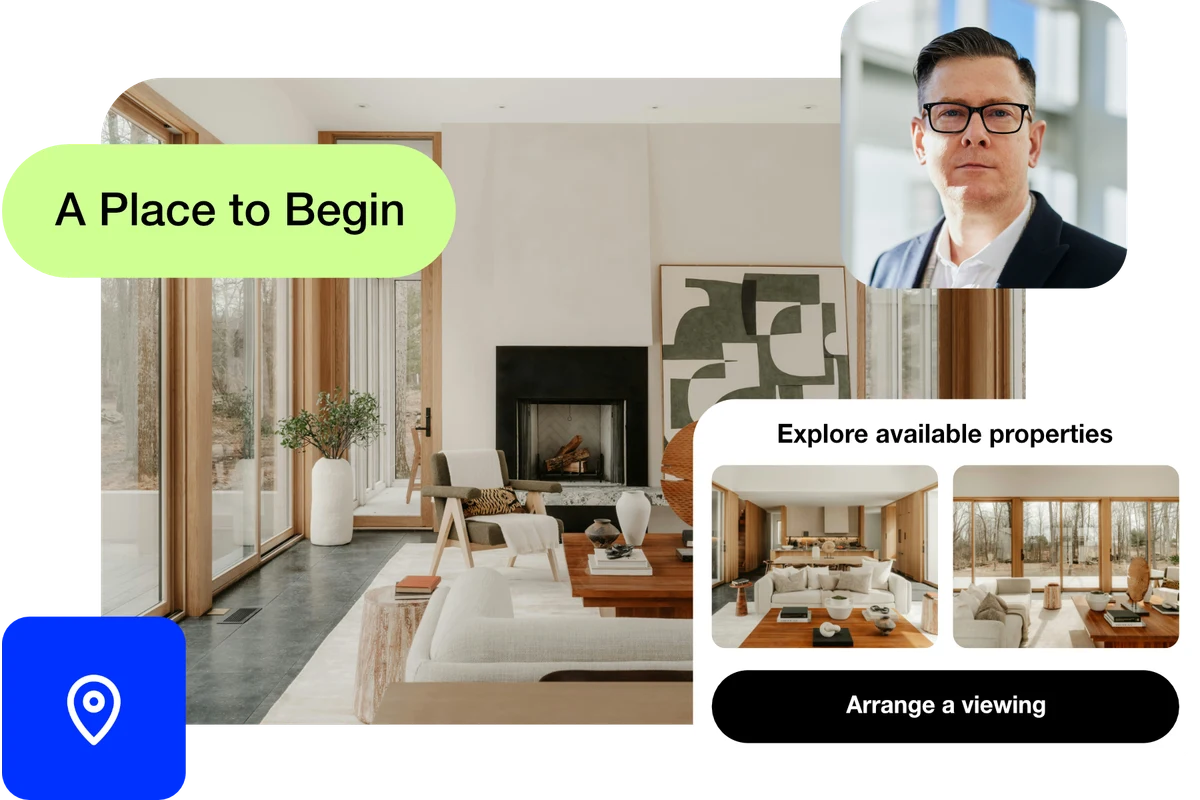
Make it useful
Add a short description and a link to each property’s full listing or tour. Remove unavailable listings from your page and keep detailed information in your existing property system.
Give buyers a clearly labelled contact form or booking link. Explain the area you serve and what happens after someone requests a viewing.
Connect a dynamic QR code to a stable short link for your listings page. When stock changes, update the page or link destination and scan-test the original code.
A setup to try
Example: an agent’s page shows three available properties, a valuation enquiry and a viewing request. A QR code on a business card points to this page, so the card stays useful as listings change.
A first impression that leads somewhere.
Try the steps
Illustrative example.
Your property portal and CRM remain the place for listing data and client follow-up. ti-ny.link gives visitors a route to those services; it does not imply an automatic listing feed or CRM sync.
A Free plan is available. Check the current page, link, QR and block allowances on the pricing page, together with any external provider’s requirements, before building your setup.
Compare plans and limitsCreate dynamic links, bio pages and QR codes in one place.