
Choose a page or a contact file
A bio page introduces your services and links. A vCard link offers contact information people can save. Choose the format that suits the meeting, then test it on the phones people use.
Digital business cards
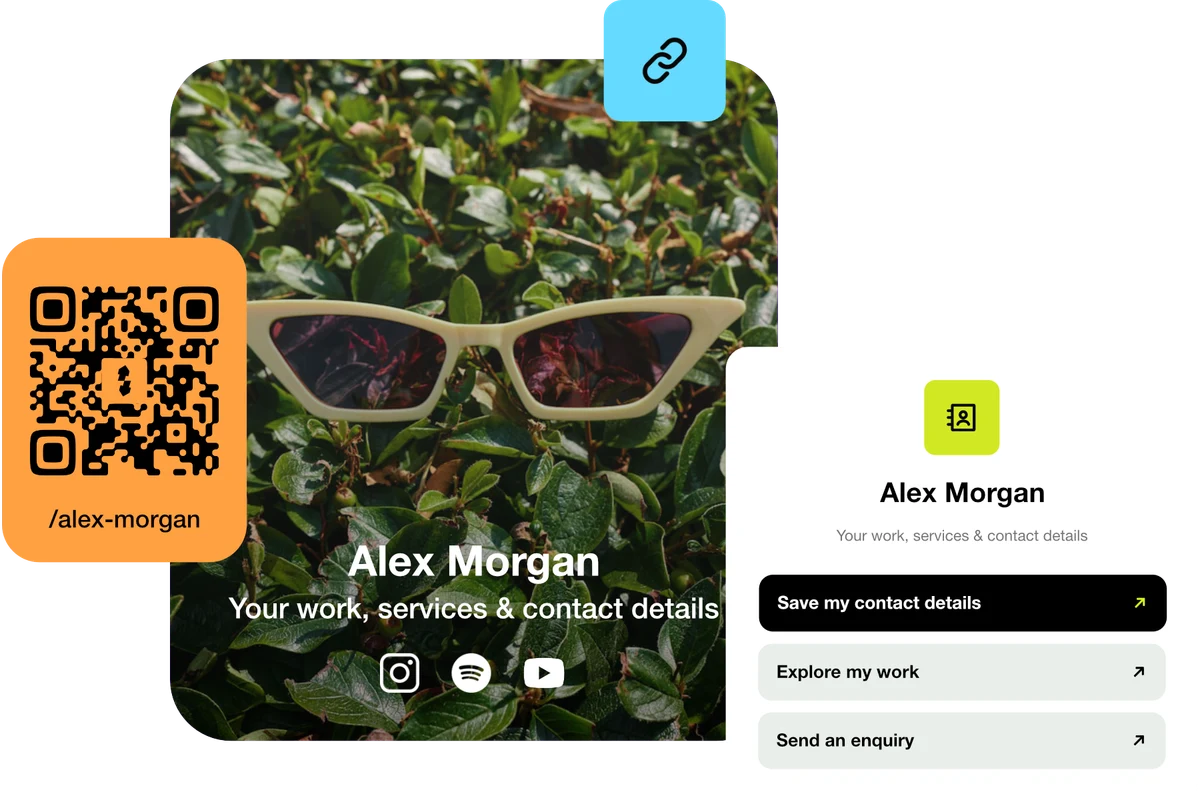
Make the introduction useful after the meeting. Share your contact details, work and next step through a bio page or vCard link, with a QR code for printed cards.
Start with a Free account. Compare plan allowances and provider requirements for your workflow.
Make it useful
A bio page introduces your services and links. A vCard link offers contact information people can save. Choose the format that suits the meeting, then test it on the phones people use.
For an editable destination, connect a dynamic QR code to a short link. Keep the encoded address unchanged and update the destination when your portfolio or booking page moves.
A setup to try
Example: a consultant’s card opens a page with their services, contact details and booking link. A contact-file download is tested separately so the saved fields are correct.
A first impression that leads somewhere.
Try the steps
Illustrative example.
The visitor’s device controls opening and importing a vCard. Test the actual file and phone journey; keep a visible contact link on your page as well.
A Free plan is available. Check the current page, link, QR and block allowances on the pricing page, together with any external provider’s requirements, before building your setup.
Compare plans and limitsCreate dynamic links, bio pages and QR codes in one place.