Put the right product first
Use images, clear link labels and the External product block to introduce products. Send shoppers to the correct product page for current stock, options and checkout.
Ecommerce & online shops
Help social visitors find the product they came for. Bring your collection, featured products, offers and customer support together on a page that leads to your existing shop.
Start with a Free account. Compare plan allowances and provider requirements for your workflow.
Make it useful
Use images, clear link labels and the External product block to introduce products. Send shoppers to the correct product page for current stock, options and checkout.
Use a short link for a collection launch or seasonal offer. Edit its destination when the campaign changes, keeping the alias used in emails and packaging.
Create separate links and UTM values for social, email and print. Compare link activity in ti-ny.link and completed orders in your shop’s reporting.
A setup to try
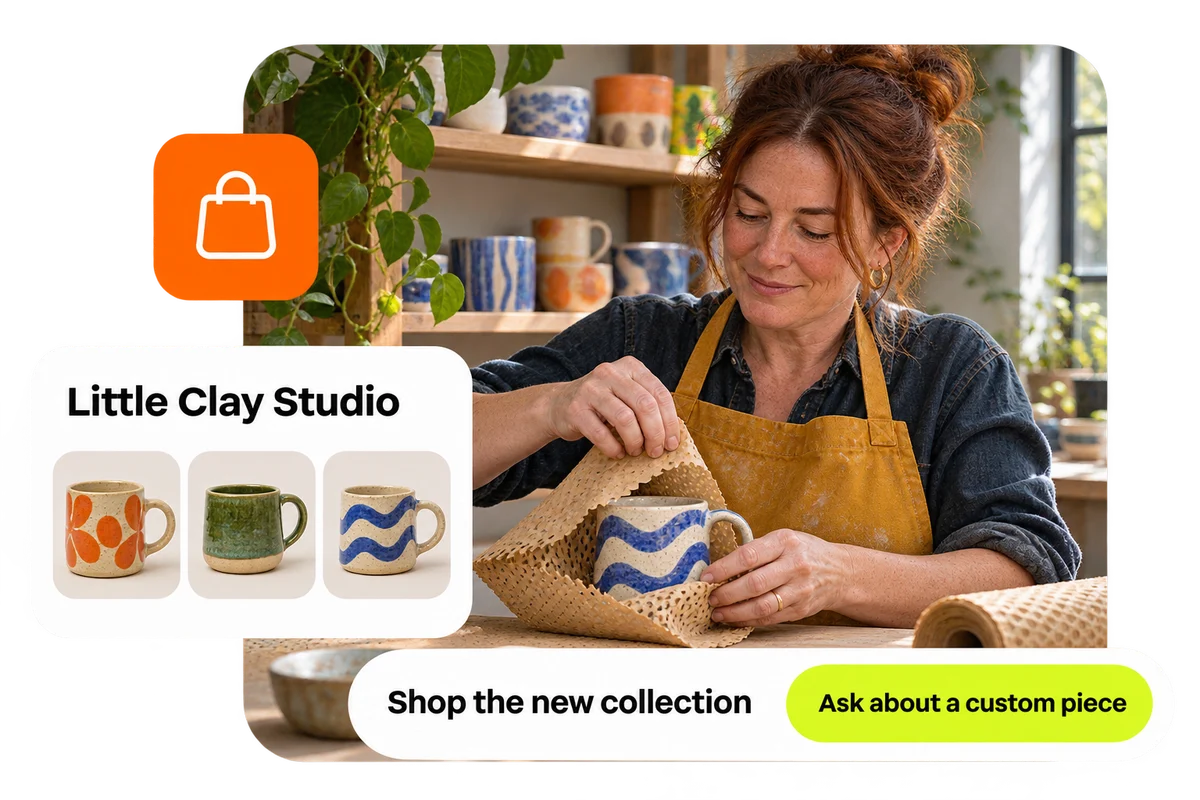
Example: a small shop features a new collection, two popular products and its delivery information. The Instagram bio links to the page; a separate packaging QR leads to a reorder offer.
From a little interest to a real connection.
Try the steps
Illustrative example.
Your linked shop handles checkout, orders, delivery and returns under its own terms. ti-ny.link helps people reach the offer and records available link activity.
A Free plan is available. Check the current page, link, QR and block allowances on the pricing page, together with any external provider’s requirements, before building your setup.
Compare plans and limitsCreate dynamic links, bio pages and QR codes in one place.