Explain the value before the download
Use a heading, image and short description to show what the buyer receives. Link to the product page that contains the price, licence and delivery details.
Digital products
Bring your ebooks, templates, downloads and creative work to the people already following you. Give each offer a clear introduction and a direct route to your selling platform.
Start with a Free account. Compare plan allowances and provider requirements for your workflow.
Make it useful
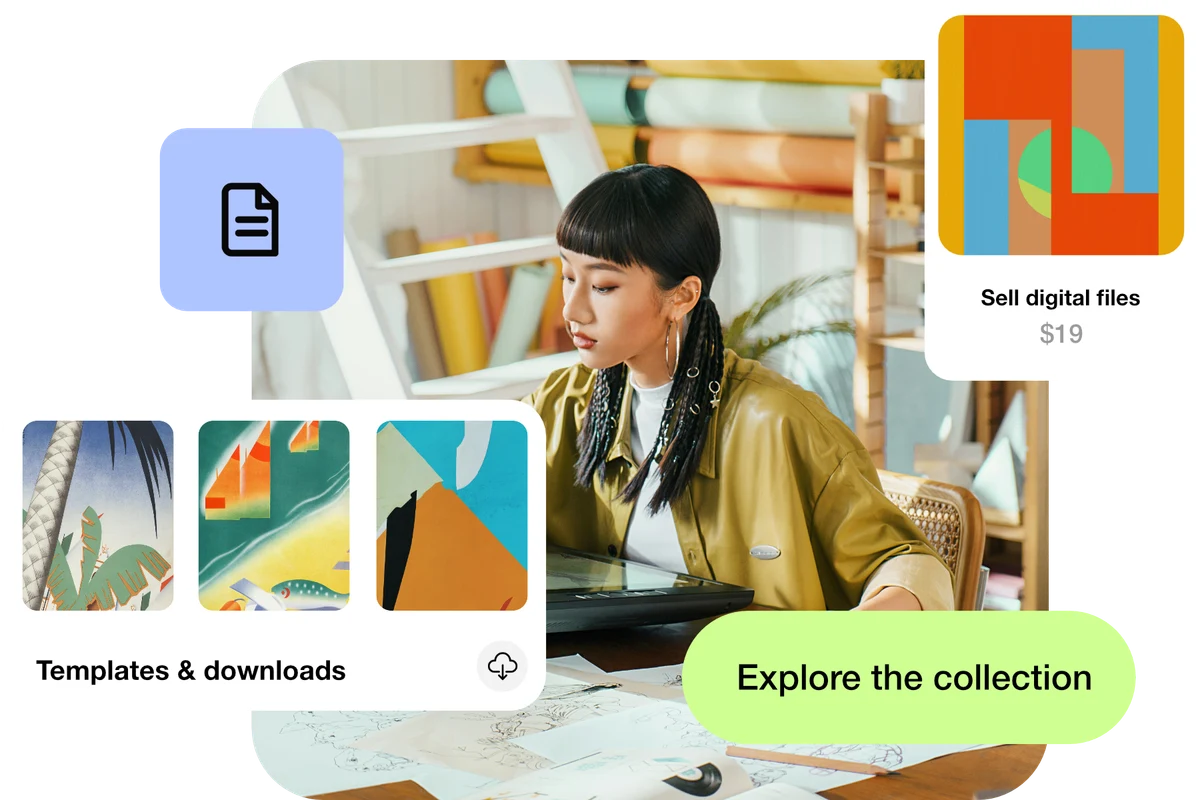
Use a heading, image and short description to show what the buyer receives. Link to the product page that contains the price, licence and delivery details.
A standard file link is useful for a public resource. For a paid download, use a provider that handles checkout and protected delivery; a publicly accessible file link is not a payment gate.
A setup to try
Example: a designer’s page introduces a template pack, shows a preview and links to its checkout. A separate free checklist links to a public resource.
Made with care. Shared with a link.
Try the steps
Illustrative example.
This workflow links to your existing selling platform. That provider handles payment, receipts and delivery, with its own fees and availability.
A Free plan is available. Check the current page, link, QR and block allowances on the pricing page, together with any external provider’s requirements, before building your setup.
Compare plans and limitsCreate dynamic links, bio pages and QR codes in one place.