Let listeners choose
Add links to the streaming platforms you use. Available Spotify, Apple Music and SoundCloud blocks can bring playable previews into your bio page; check each public embed.
Musicians
Give fans one place to find your new release, choose a streaming service, buy tickets and visit your merch store. Keep your music links together as your next release takes shape.
Start with a Free account. Compare plan allowances and provider requirements for your workflow.
Make it useful
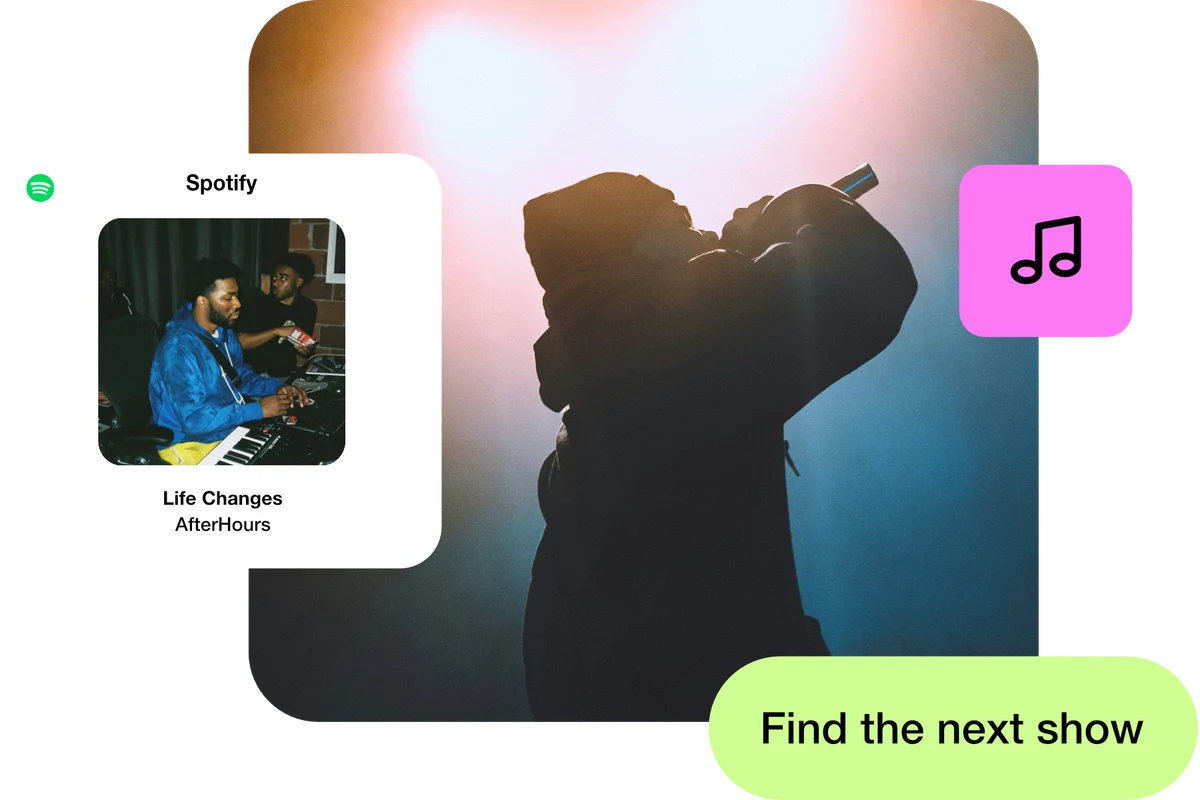
Add links to the streaming platforms you use. Available Spotify, Apple Music and SoundCloud blocks can bring playable previews into your bio page; check each public embed.
Link to your ticket provider and merch shop from the same page. Use a QR code on gig posters to connect people to your current programme.
Move from a teaser to the release page by editing a short link’s destination. Keep its alias unchanged and test the redirect before announcing the update.
A setup to try
Example: a single release page brings together “Listen on Spotify”, “Watch the video” and “Book tickets”. After the tour, update the page with the next dates while keeping the address in your social profiles.
Your next release deserves a way in.
Try the steps
Illustrative example.
Your music distributor, streaming platform and ticket service continue to handle those services. ti-ny.link connects listeners to them through your page, short links and QR codes.
A Free plan is available. Check the current page, link, QR and block allowances on the pricing page, together with any external provider’s requirements, before building your setup.
Compare plans and limitsCreate dynamic links, bio pages and QR codes in one place.