Help learners choose
Introduce the topic, level and expected learning outcome. Add a preview lesson or syllabus link, then give enrolment a clear button.
Courses & learning resources
Turn interest in your expertise into a clear learning path. Present your course, explain who it helps and connect learners to the platform where they enrol.
Start with a Free account. Compare plan allowances and provider requirements for your workflow.
Make it useful
Introduce the topic, level and expected learning outcome. Add a preview lesson or syllabus link, then give enrolment a clear button.
Use your learning platform for lessons, student accounts, payments and access. Your ti-ny.link page introduces the course and connects social, email and QR traffic to it.
A setup to try
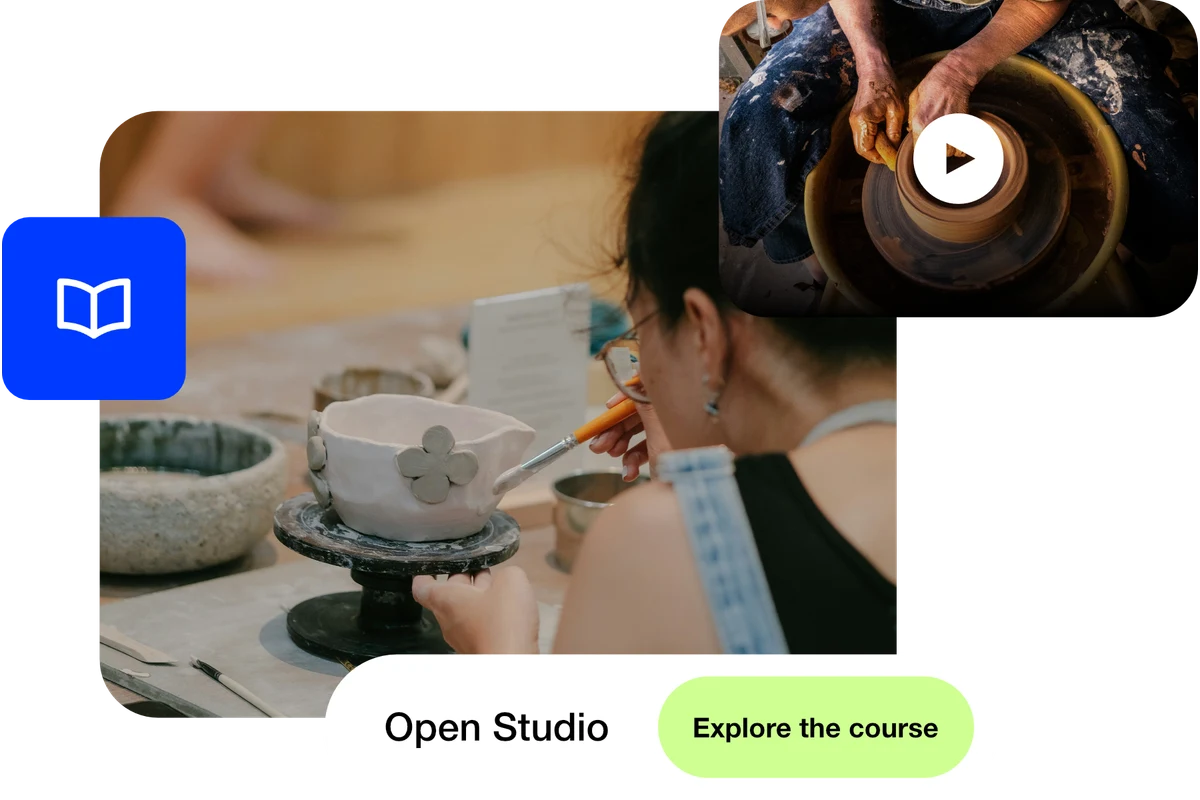
Example: Open Studio introduces a pottery course with a sample wheel-throwing lesson and an “Explore the course” link. Learners visit the course provider for enrolment, payment and lesson access.
Made with care. Shared with a link.
Try the steps
Illustrative example.
This guide promotes a course hosted by your chosen provider. Course creation, lesson delivery and student access remain with that provider.
A Free plan is available. Check the current page, link, QR and block allowances on the pricing page, together with any external provider’s requirements, before building your setup.
Compare plans and limitsCreate dynamic links, bio pages and QR codes in one place.