Use the right link for the moment
Put your page in your social bio and use direct campaign links in messages, descriptions and supported placements. Check the platform’s current rules and the link in its in-app browser.
Social sharing & campaign links
Make every profile and conversation lead somewhere useful. Share a bio page for several destinations or a short link when one offer needs the attention.
Start with a Free account. Compare plan allowances and provider requirements for your workflow.
Make it useful
Put your page in your social bio and use direct campaign links in messages, descriptions and supported placements. Check the platform’s current rules and the link in its in-app browser.
For supported destinations, app-opening controls can help visitors reach an installed app. Opening depends on the destination, device and browser, so test a web fallback too.
A setup to try
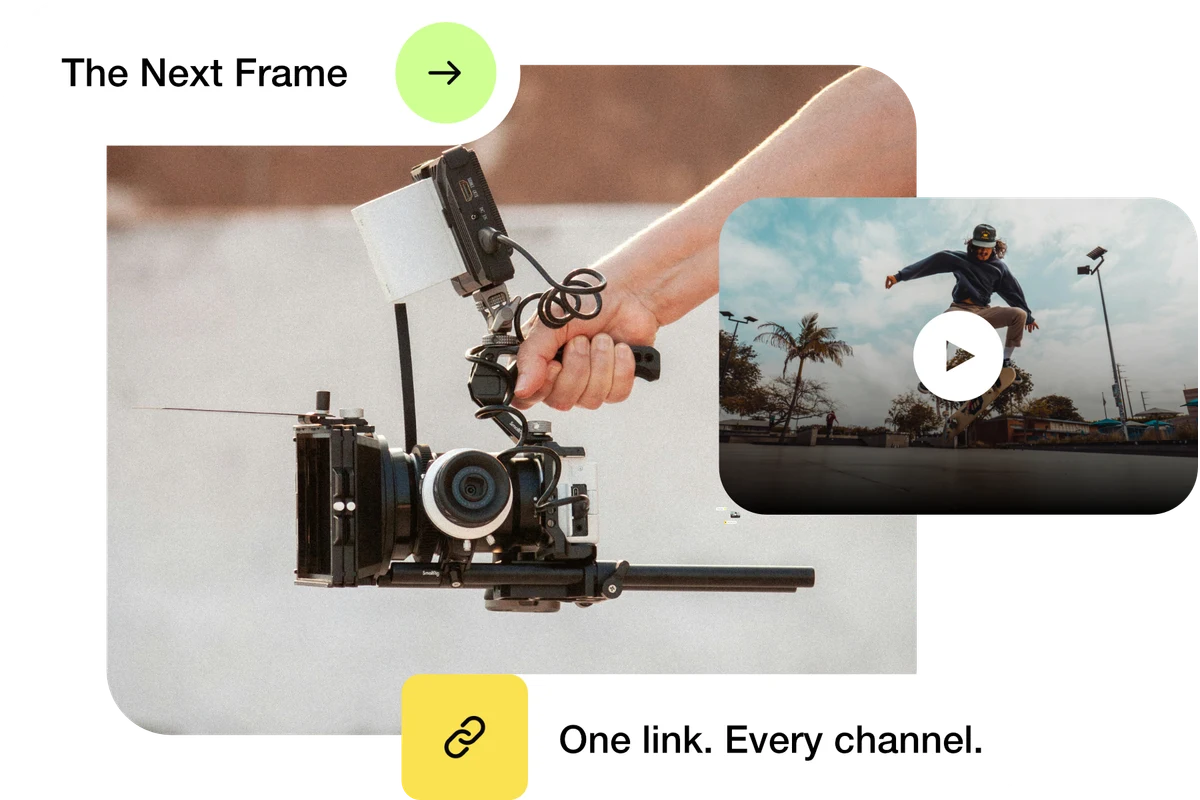
Example: a creator replies to a product question with a short link to the current offer, while their profile page keeps tutorials, contact and shop links together.
The video ends. The connection continues.
Try the steps
Illustrative example.
The verified ti-ny.link workflow here is creating and sharing links. Instagram comment and DM automation is not established as a native feature; use your chosen social tool for replies and check its permissions and platform rules.
A Free plan is available. Check the current page, link, QR and block allowances on the pricing page, together with any external provider’s requirements, before building your setup.
Compare plans and limitsCreate dynamic links, bio pages and QR codes in one place.